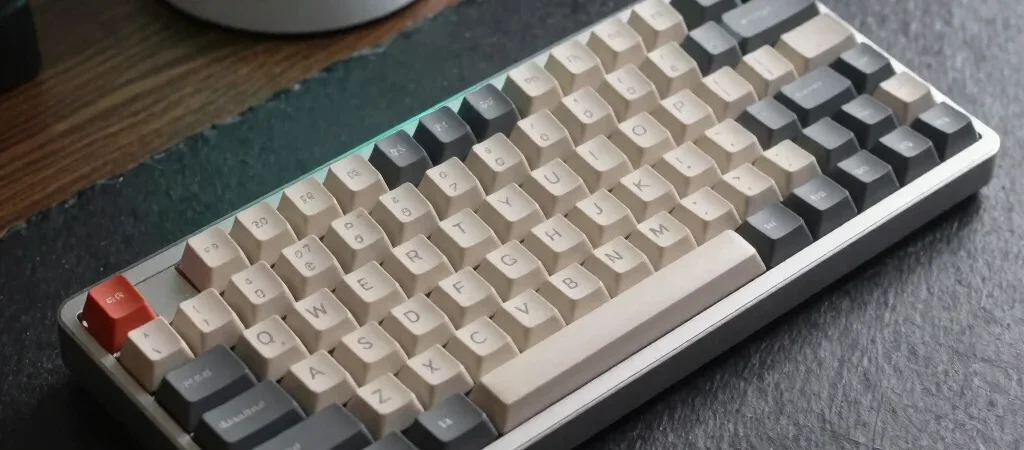
Transitioning to an ergonomic mechanical keyboard is often triggered by physical discomfort during long work hours. The market is flooded with varying form factors, from standard tenkeyless boards to fully split orthogonal layouts. Finding the optimal configuration requires understanding your specific typing angle and desk space constraints.
Evaluating Split vs Monoblock Designs
Split keyboards separate the left and right halves completely, allowing you to position them at shoulder width. This alignment reduces shoulder rounding and ulnar deviation, which is the sideways bending of the wrist. Monoblock keyboards maintain a single chassis with angled key groupings, offering a moderate ergonomic improvement with a much gentler learning curve.
Selecting Switch Actuation and Travel Distance
Switch choice directly impacts finger fatigue over an eight-hour workday. Tactile switches provide clear physical feedback at the actuation point without the loud click of acoustic switches, making them ideal for shared environments. Linear switches offer a smooth stroke but require careful actuation force selection to prevent frequent bottoming out.
Key Takeaways for Your Desk Setup
Prioritize adjustable tenting options over high RGB aesthetic features when evaluating build quality. Pairing a split keyboard with proper wrist resting techniques ensures long-term comfort and productivity. Note that editorial reviews on this site may contain affiliate links that help support our independent hardware testing.